AirBrush
Free selfie editor with easy retouching and social sharing
Free selfie editor with easy retouching and social sharing
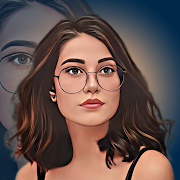
AirBrush focuses on quick, approachable touch-ups that make portraits look polished without a steep learning curve. It keeps the workflow straightforward so you can refine a shot in just a few steps, then send it right to your favorite social platforms.
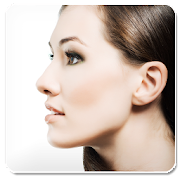
The toolkit covers the essentials for face and skin tweaks. You can brighten smiles with adjustable teeth whitening, tidy up breakouts or small marks using the blemish remover, and correct scenes that are too dim or harsh by altering background lighting. When you want a different mood, a wide array of filters lets you shift tone and style with minimal effort. These tools are clearly laid out and feel geared toward casual editing sessions where results matter more than technical depth.
There are a few practical perks beyond the core features. The app is free to install, which lowers the barrier if you just need a reliable retouching option. It also supports multiple languages, making it accessible to a broad range of users. Recent updates have focused on ironing out earlier functionality hiccups, which helps the experience feel more consistent over time.
That said, AirBrush is not a substitute for more advanced editors. Power users looking for extremely precise control or professional-grade adjustment suites will find it limited. Storage is another consideration: at 71 megabytes, the file size is on the larger side for a lightweight editor, so budget-minded devices may feel the pinch.
Overall, AirBrush is a solid pick for everyday portrait fixes and quick creative tweaks. It excels at making common improvements simple and share-ready, while its limitations mainly surface when you need fine-grained, expert-level tools. If your priority is speed, simplicity, and a no-cost entry point, it hits the mark.
Developer
Meitu Technology
OS
,
Version
8.11.0
License
Free
Similar to AirBrush